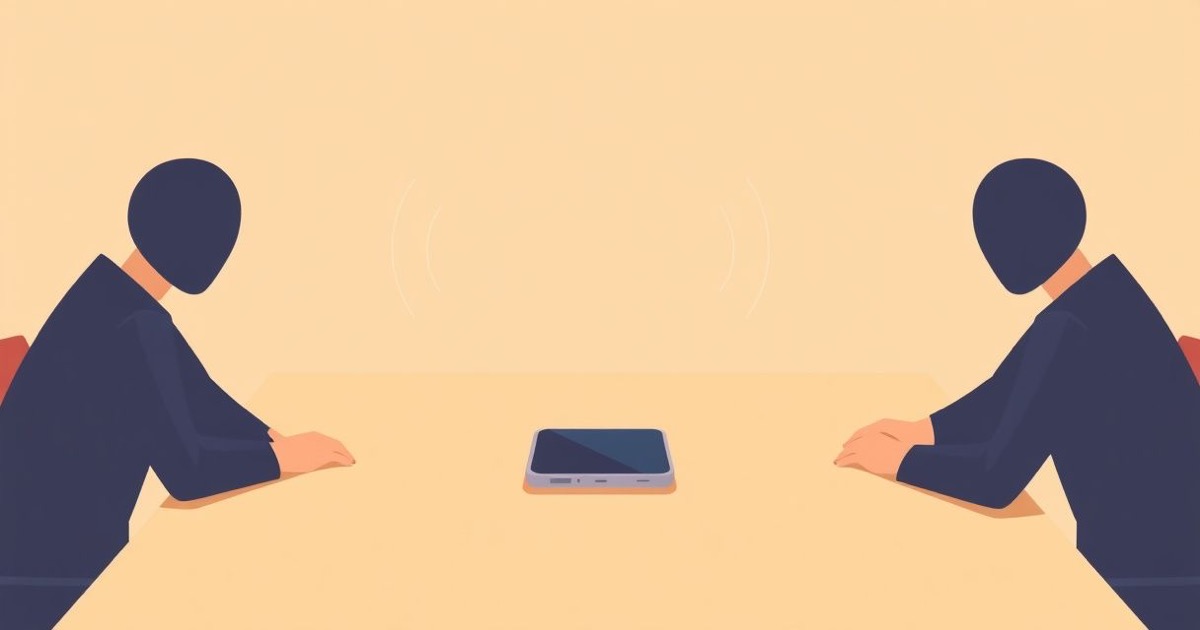
Quick answer: yes, AI can take notes in an in-person meeting — and in 2026 it finally works well. You don't need a video call, a meeting bot, or a special gadget. You need a device with a microphone in the room (your iPhone already qualifies), transcription software that can separate real conversation from coffee-machine noise, and — this part is not optional — the awareness of everyone in that room. This article answers the questions people actually search before recording their first face-to-face meeting.
The timing of this question isn't random. For three years, AI notetakers lived inside video calls: a bot joins your Zoom, a square with a logo sits in the participant grid, a summary lands in your inbox. A 2026 State of AI Meeting Assistants survey found 75% of professionals now use an AI notetaker in work meetings. But that boom skipped the meetings that arguably matter most — the ones that happen in rooms. Client lunches. Site visits. Whiteboard sessions. The hallway conversation where the actual decision gets made. Those stayed undocumented, because there was no call for a bot to join.
Why is everyone talking about in-person AI notes now?
Because the big platforms just admitted the gap exists. At Cloud Next 2026, Google announced that Meet's "Take notes for me" feature — previously video-call-only — now works for in-person meetings: Gemini listens through a device in the room, transcribes, and drops structured notes into a Google Doc. Days later, dictation startup Wispr Flow launched a Mac notetaker that listens along to any conversation, no bot required. Wispr's CEO called 2026 "the year of meeting recorders and notetakers." When Google, Microsoft, and a wave of startups all pivot toward the conference room in the same season, the message is clear: the next frontier of meeting AI isn't another Zoom integration. It's physical space.
There's a reason the room came last. In-person audio is genuinely harder: overlapping speakers, distance from the microphone, HVAC hum, the acoustic chaos of a café. And the delivery mechanism that made bots easy — joining a calendar event's video link — simply doesn't exist for a lunch table. The tools that work in person had to be built differently from the start.
How do I record and transcribe an in-person meeting?
You have three realistic options in 2026, and they differ more in philosophy than in features:
- Platform tools (Google Meet in-person notes, Teams companion modes). Convenient if your whole company lives in one ecosystem — but your conversation is processed in the vendor's cloud, tied to your workspace account, and governed by admin policies you may not control.
- Dedicated hardware (AI pins, recorder cards, smart glasses). A second device to charge, carry, and explain to everyone at the table. Wearable microphones in workplaces are already drawing scrutiny from privacy lawyers — a device that looks like it might always be listening changes a room faster than one that's visibly on the table.
- Your phone with an on-device transcription app. The device is already in your pocket, already socially normal on a table, and — with the right app — the audio never has to leave it.
The mechanics are the easy part: place the phone centrally (the middle of the table beats your pocket by a wide margin), start recording, and let the software do the rest. Modern on-device models like WhisperKit transcribe accurately in 90+ languages without an internet connection — which also means they work in the basement conference room where your signal goes to die. We've covered why botless notetakers are winning on video calls; in person, botless isn't a preference, it's the only option.
Is it legal to record an in-person meeting?
It depends on where the table is. In the United States, most states are one-party consent: if you're part of the conversation, you can record it. Eleven states — including California — require all-party consent for conversations where people reasonably expect privacy, and a closed-door business meeting usually qualifies. Germany goes further: recording the non-public spoken word without consent is a criminal offense under §201 of the criminal code, not just a civil matter. France and the Netherlands sit in between, with one-party rules for participants but strict limits on how recordings can be used.
The practical rule is simpler than the legal map: announce it, every time. "I'm going to record this so I can actually listen instead of scribbling — anyone mind?" takes four seconds, satisfies the strictest consent regime, and — as we found when we dug into AI notetaker consent etiquette — usually gets you gratitude rather than objections. In-person recording has one honesty advantage over video-call bots: a phone on the table is visible. Nobody discovers after the fact that a silent bot was in the room.
Why bother? I can just take notes by hand
You can — and you'll lose most of the meeting doing it. The research on this is one-sided: within an hour, people forget roughly half of what was said in a conversation; within a week, most of it is gone. We walked through the science in why you forget meetings, but the short version is that your brain treats a conversation as an experience, not a document. And the act of scribbling makes it worse in person, where eye contact and reading the room are the entire point of meeting face-to-face instead of sending an email. The person typing notes at a client lunch is the person not having the lunch.
In-person meetings are also, ironically, the least documented kind. Video calls at least produce chat logs and shared screens. The site walkthrough, the negotiation over coffee, the board pre-meeting in the corridor — those produce nothing but memories, and memories disagree. When the follow-up email says "as discussed, delivery in March" and the client remembers February, whoever has the transcript wins the polite version of that argument.
The AI notetaker for meetings that happen in rooms
Meetly turns your iPhone into an in-person meeting recorder: put it on the table, tap record, and it transcribes and summarizes entirely on-device with WhisperKit — 90+ languages, no internet needed, no bot, no cloud upload, no account. The conversation never leaves your phone, which means announcing it is easy: "it's just my phone, nothing gets uploaded." Free to try.
Download MeetlyWhat about privacy? Where does the audio actually go?
This is the question that separates the tools, and almost nobody asks it before their first recording. With platform notetakers, the answer is: to the vendor's servers, where it's transcribed, summarized, stored under your workspace's retention policy, and — depending on settings you've probably never seen — potentially used to improve models. For a routine standup, maybe fine. For the meetings you'd actually want captured in person — client negotiations, medical consultations, legal strategy, HR conversations — cloud processing is somewhere between a compliance headache and a dealbreaker.
On-device processing changes the math entirely. If transcription happens on the phone and the file never syncs anywhere, there is no third party to subpoena, no server to breach, no terms-of-service update to worry about. The recording has exactly the same privacy profile as the handwritten notes you'd have taken anyway — it just happens to be complete. For professionals bound by confidentiality — lawyers, therapists, doctors, anyone under NDA — that distinction isn't a feature preference. It's the difference between a tool they can use and one they can't.
The etiquette that makes it normal
Three habits make in-person recording a non-event instead of a mood-killer. Ask before, not after — consent requested at minute zero reads as respect; a recording revealed at minute forty reads as surveillance. Keep the phone visible — the point of a face-to-face meeting is presence, and a visible device that everyone has agreed to disappears from attention within a minute. Share the output — sending the summary to everyone afterward converts your recording from a private advantage into a shared utility, which is exactly how you want it perceived next time you ask.
The professionals who've adopted this describe the same arc: awkward the first time, invisible by the third. The same normalization already happened once — in 2023, a bot in a video call felt intrusive; by 2026, three-quarters of professionals use one. Rooms are simply next.
The bottom line
AI note-taking for in-person meetings went from science project to solved problem this year — Google building it into Meet is the proof. But you don't need to wait for your IT department to roll anything out, and you don't need your conversations routed through anyone's cloud to get it. A phone on the table, an on-device transcription app, and a four-second announcement give you what the platforms are selling, with a privacy story none of them can match. The meetings where your biggest decisions happen have been off the record long enough.
Put your next real-world meeting on the record
Download Meetly, put your iPhone on the table, and get a full transcript and summary of your next in-person meeting — processed entirely on your device, in 90+ languages, with nothing uploaded anywhere. No bot to invite, no account to create, no cloud to trust.
Download MeetlyAI notes for in-person meetings: frequently asked questions
Can AI take notes in an in-person meeting?
Yes. Modern AI notetakers no longer require a video call — a phone or laptop with a microphone in the room can capture, transcribe, and summarize a face-to-face conversation. Google Meet added in-person AI notes in 2026, and on-device apps like Meetly have done it on iPhone without any cloud processing. Audio quality matters: place the device centrally, within about 1.5 meters of the main speakers.
How do I record an in-person meeting on my iPhone?
Use a transcription app rather than the plain Voice Memos app, so you get searchable text and a summary instead of a raw audio file. Place the phone in the middle of the table, announce that you're recording, and start the app. Apps with on-device transcription (like Meetly, which uses WhisperKit) work without internet and never upload the audio, which matters for confidential conversations.
Is it legal to record an in-person meeting?
In most US states, yes, if you're a participant (one-party consent). Eleven states, including California, require everyone's consent when there's a reasonable expectation of privacy — which a private business meeting usually creates. In Germany, recording non-public conversations without consent is a criminal offense under §201 StGB. The safe universal practice: announce the recording and get verbal agreement before you start, regardless of jurisdiction.
Do AI notetakers work without a video call?
Increasingly, yes — this is the biggest shift in the category in 2026. Bot-based notetakers (Otter, Fireflies, Fathom bots) still need a meeting link to join, but a new generation captures audio directly: Google Meet's in-person mode, desktop apps that listen to any conversation, and phone apps that record the room. For in-person meetings, only the direct-capture approach works, since there's no call for a bot to join.
What is the most private way to get an AI transcript of a meeting?
On-device transcription. If the speech-to-text and summarization run locally on your phone — rather than on a vendor's servers — the audio and transcript never leave the device, so there's no cloud copy to breach, subpoena, or train models on. This is the approach privacy-sensitive professions (law, healthcare, therapy) can actually use, and it also works offline.